






By SBR System
Smart locks are transforming the way we think about home security—offering more control, flexibility, and peace of mind than traditional locking systems. When integrated with Google Home, smart locks become even more powerful, allowing seamless voice control and remote access from anywhere.
If you’re considering upgrading your home security, this guide by SBR System covers everything you need to know about Google Home–compatible smart locks, from benefits and setup to real-world use cases.
Why Choose a Smart Lock Compatible with Google Home?
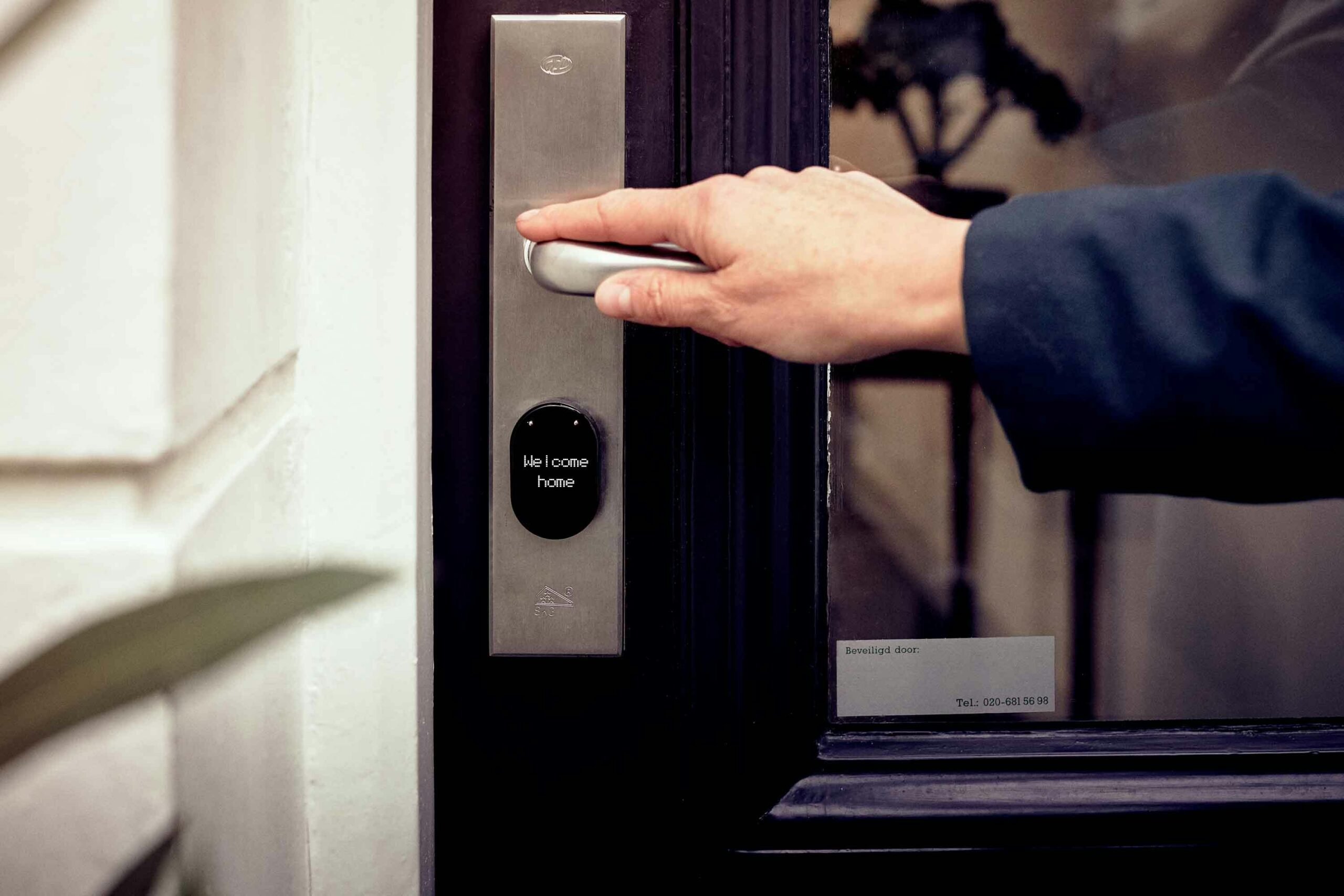
A smart lock that works with Google Home allows you to lock or unlock doors using voice commands, check lock status remotely, and manage access effortlessly. Whether you’re managing family members, guests, or service staff, Google-compatible smart locks combine security, automation, and convenience in one intelligent solution.
With the right integration, your door becomes part of a fully connected smart home ecosystem.
What Is Google Home?
Google Home is a voice-controlled smart home platform powered by Google Assistant. It enables users to control connected devices, play music, set reminders, and manage daily routines—all using simple voice commands.
When smart locks are integrated into Google Home, you can control your doors alongside lighting, climate, curtains, and security systems, creating a unified and intelligent living experience.
What Are Smart Locks?
Smart locks are advanced digital locking systems that eliminate the need for traditional keys. Access is granted through smartphones, PIN codes, fingerprints, cards, or automation rules.
Key features include:
- Remote locking and unlocking
- User access management
- Activity logs and notifications
- Integration with smart home platforms like Google Home
At SBR System, we design and deploy smart lock solutions that integrate seamlessly with broader home automation systems, ensuring reliability and security.
To learn more about smart locks and their benefits, explore our previous blog for a detailed breakdown.
How to Set Up Google Home with Smart Locks
Setting up Google Home with your smart lock is simple when done correctly:
Step 1: Choose a Compatible Smart Lock
Not all smart locks support Google Home. Always confirm compatibility before purchasing.
Step 2: Install the Smart Lock
Follow the manufacturer’s installation guide. While many locks support DIY installation, professional installation ensures proper alignment, connectivity, and long-term reliability.
Step 3: Connect the Lock to Wi-Fi
Use the manufacturer’s app to connect the lock to your home network. A stable Wi-Fi connection is essential.
Step 4: Link the Smart Lock to Google Home
For Aqara-based systems:
- Open the Aqara Home App
- Go to Settings → Paired Hub → Bind Device
- Select Digital Lock and ensure it is connected to a hub
Then:
- Open the Google Home App
- Tap “+” → Set up device → Works with Google
- Select the smart lock brand
- Log in using your lock account credentials
- Assign the device to your home
Setup is now complete.
Step 5: Test Voice Commands
Try commands like:
- “Hey Google, lock the door.”
- “Hey Google, is the front door locked?”
Benefits of Google Home–Compatible Smart Locks
1. Enhanced Security
Receive real-time notifications and monitor door activity to detect unauthorized access instantly.
2. Remote Access
Lock or unlock your door from anywhere—ideal for travel, workdays, or unexpected situations.
3. Hands-Free Convenience
Voice control makes everyday life easier, especially when your hands are full.
4. User & Access Management
Create temporary or permanent digital keys for family, guests, or staff, and track entry history via the app.
Real-World Smart Lock Scenarios
Scenario 1: Package Deliveries
Unlock the door remotely to allow secure indoor package placement—no missed deliveries.
Scenario 2: Emergency Access
Instantly unlock the door for family members during urgent situations.
Scenario 3: Housekeeping & Maintenance
Grant time-restricted access codes for cleaning or maintenance staff without sharing physical keys.
Scenario 4: Family Coordination
Ensure doors lock and unlock according to schedules, improving safety and convenience in busy households.
Do Smart Locks Work with Google Home?
Yes. Many smart locks are designed to integrate seamlessly with Google Home. When installed and configured correctly, they significantly enhance both security and convenience—especially when combined with professional system design and automation.
At SBR System, we specialize in integrating smart locks into complete home automation solutions, ensuring everything works smoothly, securely, and intuitively.
Thinking of upgrading your door security?
Explore how smart locks compare to traditional systems in our previous blog—and contact SBR System for expert consultation, installation, and support.